How do you save in GTA 6? Manual saves, slots and autosave
Save GTA 6 from the pause menu under Game, then Save Game. There are 15 manual slots and one autosave, no saving in missions, and no mission replay.
Spoiler-free Nothing here goes beyond what Rockstar showed before launch and the first hours of the game. Endings and big twists are never on this site.
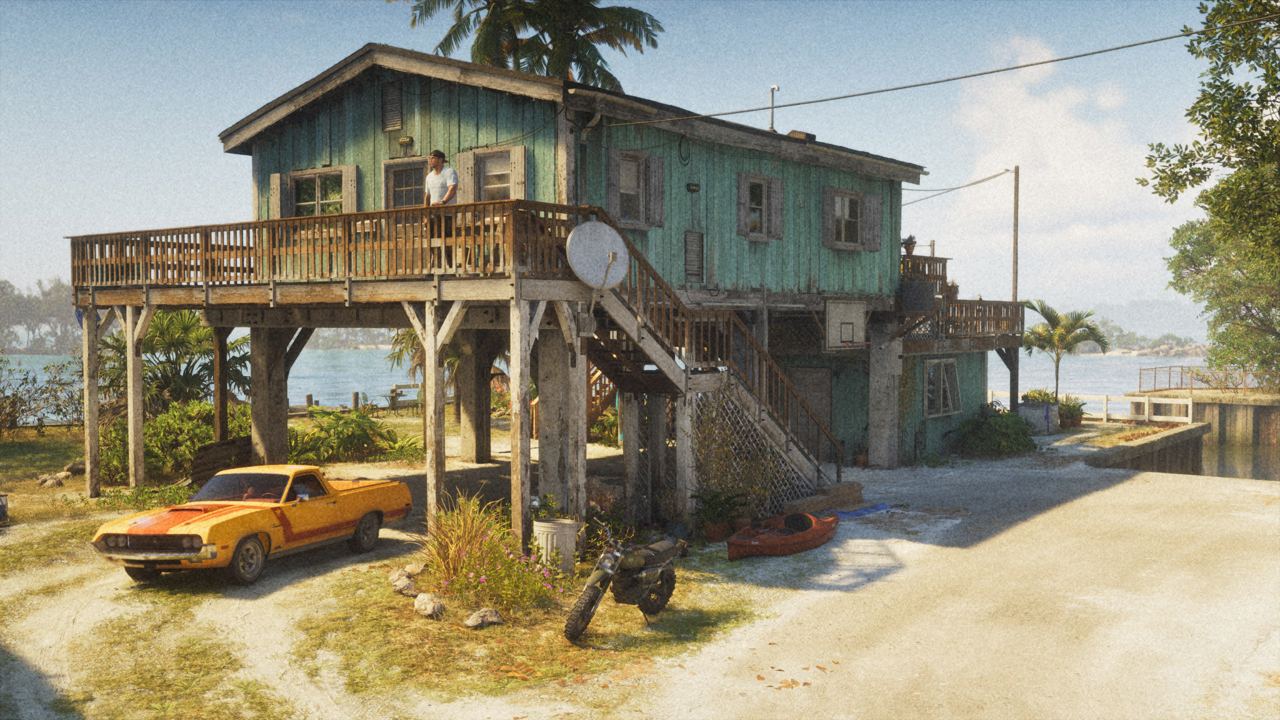
- How to save, step by step
- The short version
- Be careful with the autosave
- Where to keep your cash
- Before the end of chapter 1
- A plan for your 15 slots
- If the game will not save
- What we have not checked
- Questions
- Sources
Open the pause menu, choose Game, then Save Game, and pick a slot. There are 15 manual save slots and one autosave slot. You can save almost anywhere in free roam, but not during a story mission or the prologue.
This page is based on guides to the released game by GTABase, Outputlag, GamerFuzion, Rock Paper Shotgun, Eurogamer and Polygon. Where only one of them says something, we name it.
How to save, step by step
- Press Options on PS5 or Menu on Xbox to pause.
- Go to the Game tab.
- Choose Save Game.
- Pick one of the 15 slots.
Loading works the same way, under Load Game in the same tab. You do not need a bed or a safehouse to save. Outputlag notes that loading a free-roam save can put you back at your safehouse.
The short version
- Manual saves: 15 slots, from the pause menu in free roam.
- Autosave: one slot, which overwrites itself. It runs when you finish a mission and after some side activities.
- During missions: no saving. You can retry from a checkpoint instead; Outputlag also lists Restart Mission in the pause menu.
- Prologue: Save Game stays greyed out until the prologue is over.
- Replaying missions: there is no replay menu, so keep a manual save before anything you might want to do again.
- Quick save: Outputlag says there is no separate button. The pause-menu save does the same job.
Be careful with the autosave
There is only one autosave and each new one replaces the last. Outputlag warns that it does not cover time spent roaming between missions, so make a manual save before you stop playing. GamerFuzion adds that loading an older save means the next autosave overwrites the one you had, so you can lose progress by loading the wrong slot.
GTABase also says you cannot save while you are wanted or in a fight. That is not confirmed elsewhere, but it is worth losing the police before you try.
Where to keep your cash
Money you are carrying is lost if you die. Until the bank account unlocks in the mission 'Buck Me', you can stash it under the floorboards in the bedroom of Jason's house on Key Lento, which keeps it safe.
Before the end of chapter 1
Make a manual save before the mission "Tourist Trap". Starting it locks you into the last three missions of the chapter and restricts free roam for several hours.
A plan for your 15 slots
GamerFuzion suggests one save at the start and one at the end of each of the five chapters, which uses ten slots, and rotating the other five for everyday play. That way you can always go back to a chapter you liked.
If the game will not save
Reports of crashes and lost progress on launch night come from small sites only, and Rockstar has not posted a notice. If it happens to you, check that the console has free storage and that the game finished installing: the download is up to 212 GB.
What we have not checked
- Whether saves carry over between a console and its Pro or S version.
- Exactly which side activities trigger the autosave.
For download size and editions, see the release guide.
Questions
How do you save in GTA 6?
Pause the game, go to the Game tab, choose Save Game and pick a slot. You can do it almost anywhere in free roam.
How many save slots does GTA 6 have?
15 manual slots and one autosave slot.
Can you save during a mission in GTA 6?
No. You can retry from a checkpoint instead. Saving is also locked during the prologue.
Can you replay missions in GTA 6?
No. There is no replay menu, so keep a manual save from before any mission you want to play again.
Sources
- GTABase: How to save your game in GTA 6
- Outputlag: GTA 6 how to save
- GamerFuzion: GTA 6 how to save, slots and mission replay
Updated 20 November 2026: added the exact save steps, the single autosave slot, the prologue lock and a plan for using the 15 slots.