Does GTA 6 have first person? When you can switch the camera
GTA 6 has no full first-person mode. You can go first person when standing or aiming with L2 and R3, and in a car with the phone out. Plus the touchpad camera trick.
Spoiler-free Nothing here goes beyond what Rockstar showed before launch and the first hours of the game. Endings and big twists are never on this site.
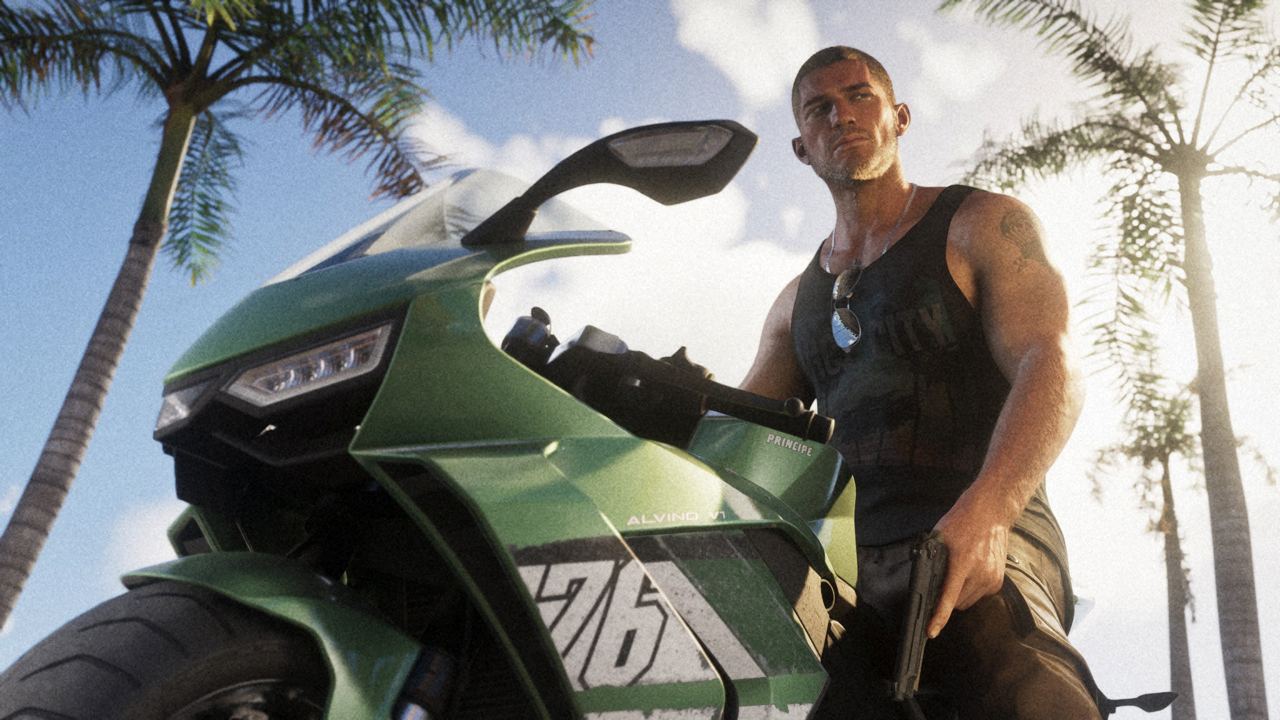
- How to go first person on foot
- Can you drive in first person
- The touchpad first-person trick
- Is it like GTA V?
- What the settings do offer
- Questions
- Sources
No, GTA VI has no full first-person mode. The game is played in third person, and there is no setting to keep a first-person camera on. You only get a first-person view in a few situations: when you stand still and look around, when you aim down a sight, and in a car with the phone out. A camera trick can force a full first-person view, but it is unfinished and not an official mode.
This page is based on guides to the released game by GTABase, Outputlag and Leonipedia. We have not tested the buttons ourselves.
How to go first person on foot
| What | PS5 | Xbox |
|---|---|---|
| Inspect Surroundings (standing still) | L2 and R3 together | LT and a click of the right stick |
| Look down a sight while aiming | Aim with L2, then press R3 | Aim with LT, then click the right stick |
| Binoculars | Pick them from the weapon wheel (L1), then hold L2 | Pick them from the weapon wheel (LB), then hold LT |
You cannot walk while you inspect your surroundings, and R2 or RT zooms in. You can move while using the binoculars. GTABase gives the Xbox buttons; they are not confirmed elsewhere.
Can you drive in first person
Only with the phone out. Press Up on the D-pad to bring out the phone and the camera goes first person while you keep driving. The phone covers part of the screen. Both GTABase and Outputlag point to a setting that makes the phone view fully first person: Settings, then Camera, then Phone Display, set to First Person.
There is no setting to drive in first person the whole time.
The touchpad first-person trick
What some players call the PS5 first-person glitch is a camera trick, and Outputlag and Leonipedia describe the same steps:
- In the controller settings, set the touchpad button to Camera. On Xbox, set the View button instead.
- Get in a car and bring out the phone.
- Tap the touchpad several times quickly as you put the phone away.
If it works, you stay in a first-person view on foot and in cars. Reloading a save is the only way back to third person. Leonipedia describes the view as playable but unfinished, with clipping on long guns and rough animations. Outputlag warns that a patch may remove it.
Is it like GTA V?
No. GTA V added a full first-person mode in its later release, for driving, shooting and walking around. GTA VI does not have one at launch. Rockstar has not said anything about adding one.
What the settings do offer
Settings > Gameplay has options such as Reduced Vehicle Damage and Accessible Combat, and there is a Classic control scheme in the settings. The only first-person option in the settings is the phone display. None of these is a full first-person mode.
Questions
Can you play GTA 6 in first person?
Not as a proper mode. You can look around in first person while standing or aiming with L2 and R3, and a touchpad camera trick can force a full first-person view until you reload a save.
Can you drive in first person in GTA 6?
Only with the phone out. Setting Phone Display to First Person in the camera settings makes that view fully first person.
Will GTA 6 get a first-person mode?
Nothing has been announced. GTA V got a full first-person mode in a later release, but nothing like that has been said about GTA VI.
Why is my GTA 6 stuck in first person?
You have probably triggered the touchpad camera trick, which happens when the touchpad is set to Camera and you tap it while putting the phone away. Reload a save to get back to third person.
Sources
- GTABase: How to go first person in GTA 6
- Outputlag: GTA 6 best settings and controls
- Leonipedia: GTA 6 controls and settings
Updated 20 November 2026: added the Xbox buttons, the binoculars and the phone display setting, and explained the "PS5 glitch" as a touchpad camera trick confirmed by two guides.