Patches
GTA 6 weather still not changing? What Rockstar says, and the cache fix players are trying
Some GTA 6 players still see clear skies for days after the patch that fixed stuck weather. Rockstar says early chapters are meant to be sunny. Here is the PS5 cache workaround, step by step.
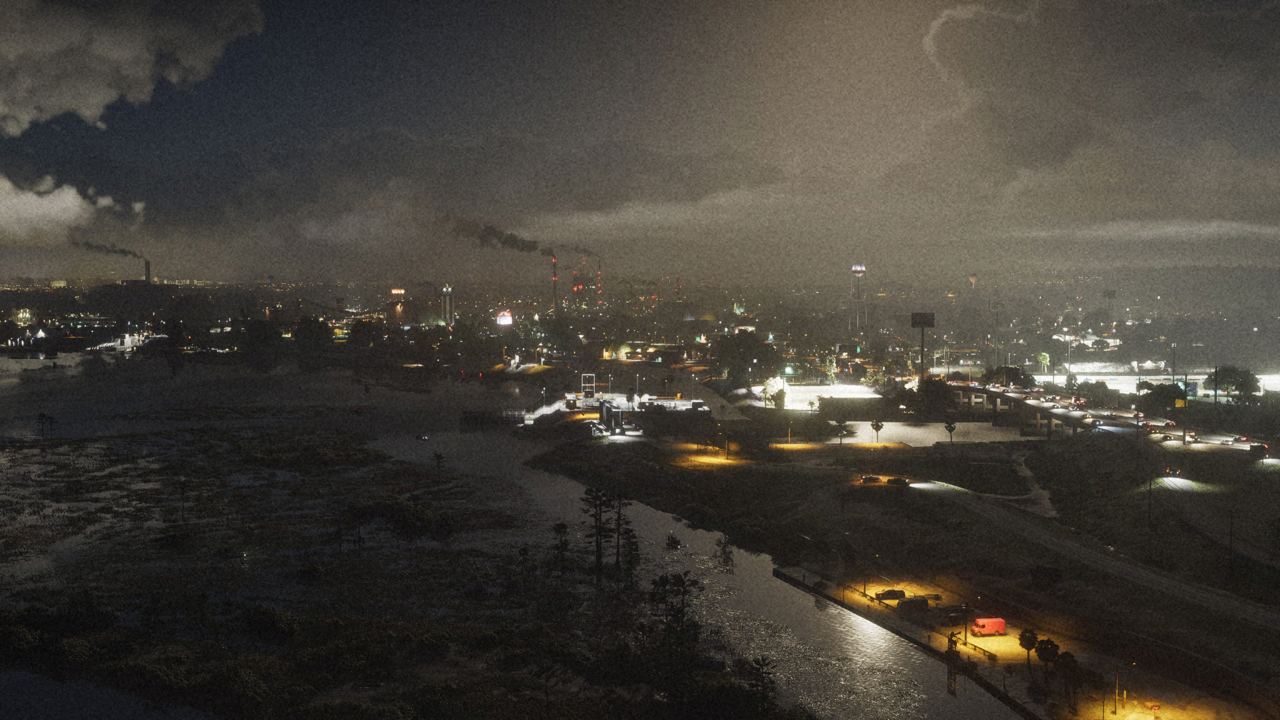
Rockstar's patch of 23 November fixed weather that did not change for long stretches, but some players say their skies are still clear day after day. Two things are going on. Part of it is how the game is built: Rockstar says the first chapter is mostly sunny on purpose. And for players who think they still have the bug, a workaround is going round on PS5. Rockstar has not confirmed that it works.
What Rockstar has done
- Before launch: a small update for the weather went out during the review period.
- 23 November: update 01.002.002 on PS5, 1.0.2.2 on Xbox. Its notes list "an issue that resulted in the weather not changing for extended periods" as fixed. All seven fixes are in our story on the update.
- Since then: no new patch. Rockstar's support page was last updated on 23 November.
For many players the patch did the job, and storms now roll in where there were none. Others report no change. Nobody has numbers, and nothing ties it to a mission, a save or a console model.
Sunny on purpose
Owen Shepherd, who leads lighting and rendering at Rockstar, explained the design to IGN. The kind of weather changes through each day, and the overall pattern changes with the story: mostly sunny in chapter 1, and steadily more unsettled and stormy towards the last chapter. He compared it to Florida going from winter through summer to autumn.
The early chapters do have rain, he said, but weather is local, so it is easy to miss. It can rain in one part of the map while another stays dry. Kotaku described the same thing from the game: flying out of sunshine, into a rainstorm and out the other side.
So a run of clear days in chapter 1 or 2 is not proof of the bug. Dozens of hours without a single storm later in the story is more likely to be one.
The workaround on PS5
Players found that clearing the PS5's system cache seems to let the patch take hold. It does not delete saves, games or screenshots; the console only throws away temporary system files and builds them again.
- Save your game and close it.
- Turn the PS5 off completely. Rest mode does not count.
- Hold the power button until you hear a second beep, after about seven seconds. The console starts in safe mode.
- Connect the controller with a USB cable and press the PS button.
- Choose option 6, Clear Cache and Rebuild Database, then Clear System Software Cache.
- Let the console restart, and load your save.
One fan account with 56 hours on the clock and no storm so far got one the moment the game loaded. Others confirm more variety afterwards, though not always straight away. It may also be coincidence: weather was going to turn at some point anyway. As the cache clear costs two minutes and nothing else, it is worth a try.
On Xbox
Most reports come from PS5, and whether Xbox has the same problem is less clear. Insider Gaming suggests the Xbox version of the same thing: shut the console down, pull the power cable, wait two minutes and plug it back in. No player reports back that up yet.
Hurricanes are a different matter
No patch or cache will bring a hurricane. Those stay locked until you have finished a hidden side mission at a bunker north of Lake Leonida, whatever your weather does. The steps are in how to unlock hurricanes.
What happens next
Rockstar has not commented on the workaround or on the new reports. Bugs can be reported at Rockstar Support. We keep the list of patches and known problems on our bugs and patches page, and will update this story when a new patch lands.
Sources
- Rockstar Support: GTA VI launch updates
- IGN, on the workaround and Rockstar's explanation, 26 November 2026
- Insider Gaming, on the cache fix for PS5 and Xbox, 26 November 2026
- GAMINGbible, on the weather bug on PS5, 26 November 2026
- Kotaku, on thunderstorms and local weather, 24 November 2026
- TechRadar, on the first update, 24 November 2026
- PlayStation Support: safe mode on PS5